Understanding Digital Planners For iPad
What Are Digital Planners?
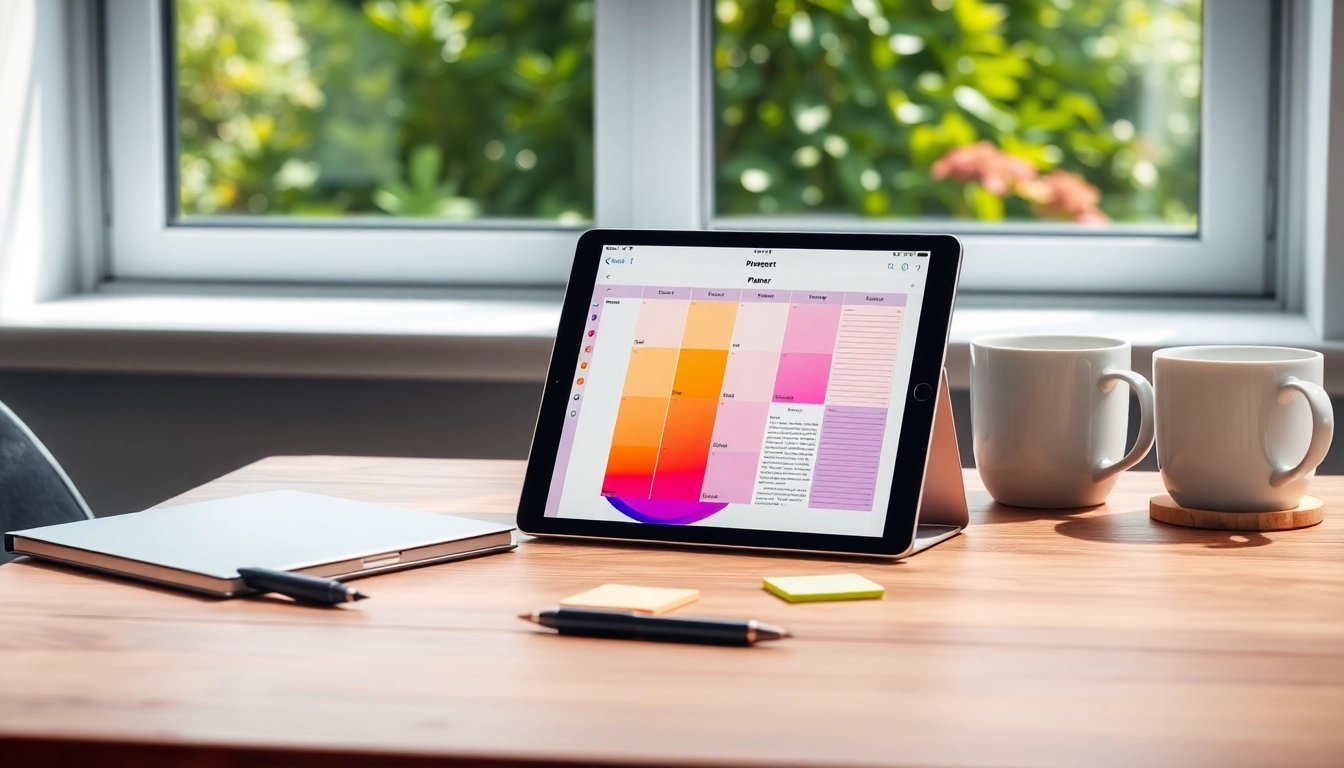
Digital planners are virtual tools designed to help users organize their tasks, events, and goals efficiently. They replicate the functionalities of traditional paper planners but leverage the advantages of technology. Users can create, modify, and manage their planning layouts directly on their devices, especially iPads, using various applications designed for this purpose. With advanced features like hyperlinking, multimedia integration, and easy sharing, digital planners offer a versatile approach to personal management.
Benefits of Using Digital Planners For iPad
There are several compelling benefits of utilizing Digital Planners For iPad. Firstly, they promote sustainability by reducing paper waste. Secondly, they provide customizable features that allow for a personalized planning experience. Users can incorporate images, stickers, and unique layouts that reflect their individual style. Additionally, digital planners offer heightened organization through easy sorting and searching capabilities, helping users streamline their tasks and improve productivity. Importantly, they're portable, providing accessibility across multiple devices.
Key Features to Look For
- User-friendly Interface: A clean, intuitive design that allows for easy navigation is critical for effective planning.
- Customizability: The ability to change layouts, add stickers, and incorporate personal touches significantly enhances user experience.
- Integration Capabilities: Look for planners that sync well with other apps, such as calendars and to-do lists, for cohesive management.
- Hyperlinking: This feature enhances usability by allowing quick navigation to different sections within the planner.
- Cross-Device Compatibility: Planners that work seamlessly across devices ensure users can access their plans anywhere.
Getting Started with Digital Planners For iPad
Choosing the Right Apps and Platforms
To begin your journey with digital planners, selecting the right application is essential. Popular options often include GoodNotes, Notability, and Xodo, which cater to diverse needs. GoodNotes is beloved for its remarkable handwriting recognition and ease of use, making it a top choice for those who prioritize note-taking. Notability, on the other hand, shines in audio recording functionalities paired with note-taking, ideal for students or professionals. Evaluate each app's features and see which aligns with your planning style and requirements.
How to Set Up Your Digital Planner
Setting up your digital planner involves a few simple steps. First, download your chosen app from the App Store. Next, purchase or download a digital planner file—commonly available in PDF format—if you don’t plan to create your own layout. Once obtained, import the planner into your app. Customize your planner by altering colors, adding sections, and integrating stickers to make it unique to your planning style. Familiarize yourself with the app interface to maximize your planning efficiency.
Essential Tools for Success
To enhance the effectiveness of your digital planning, a few tools are indispensable. An Apple Pencil provides precise control, allowing for seamless writing and drawing, which is especially beneficial for those who enjoy creating custom layouts. Additionally, utilizing cloud storage options, such as iCloud or Google Drive, can help keep your planners secure and accessible from anywhere. Furthermore, exploring sticker packs and templates can inspire creativity and fun in your planning process.
Customization Options for Digital Planners For iPad
Designing a Personalized Layout
Personalizing your digital planner layout adds a unique touch to your planning experience. Most apps provide templating options, which allow you to create daily, weekly, or monthly views tailored to your specific needs. Utilize different backgrounds and color schemes for a visually appealing planner. Incorporating personal photos or art can also elevate the aesthetic, making planning a joyful activity rather than a chore.
Integrating Templates and Stickers
Stickers and templates serve as powerful tools within digital planners. Many applications offer built-in stickers, while others enable users to upload their own. Stickers can categorize tasks, annotate events, or simply add a fun element to your pages. Templates can facilitate consistent layout and structure, saving time each week or month as you plan. Utilize community-shared templates found online to broaden your options.
Syncing with Other Apps
Syncing capabilities can vastly improve the functionality of your digital planner. Most modern digital planning apps allow integration with calendar apps and task managers, offering a consolidated view of your commitments. This ensures that all your important dates and responsibilities are aligned, whether in your planner or another app. This interoperability streamlines the management of obligations and enhances overall productivity.
Maximizing Your Productivity
Daily Planning Strategies
To get the most out of your digital planner, developing effective daily planning strategies is critical. Start each day with a brief review session, planning for tasks and prioritizing them. Utilizing time-blocking techniques can assist in allocating specific times for tasks, promoting focus and efficiency. At the end of each day, reflect on what you accomplished and adjust your planning as needed for the following day.
Tracking Goals and Progress
Goal tracking is essential in maintaining motivation and accountability. Utilize your digital planner to set SMART (Specific, Measurable, Achievable, Relevant, Time-bound) goals and monitor their progress consistently. Incorporate progress bars or visual trackers in your planner, allowing you to see how close you are to achieving your goals. Regularly reviewing your objectives can motivate you to stay on track.
Time Management Tips
Effective time management is a cornerstone of productivity. Utilize your digital planner to establish clear deadlines for tasks and make sure to outline methods for avoiding procrastination. Consider using the Pomodoro technique, where you work in short bursts followed by short breaks, enhancing focus. Setting reminders for tasks and deadlines through your planner app can also help keep you accountable and organized.
Troubleshooting Common Issues
Fixing Technical Glitches
Experiencing technical glitches can be frustrating, especially in crucial moments. Common issues might include problems with syncing, app crashes, or slow performance. In most cases, a quick restart of the app or your iPad can resolve minor glitches. Regular updates of the app and your device's operating system can also prevent unexpected problems and ensure smooth performance.
Handling Compatibility Concerns
Compatibility issues can arise when using various apps for digital planning. Always ensure that the planner files are compatible with the app you're using; most planners are PDF-compatible. If you encounter file issues, reformating the planner file or checking for app updates can often resolve discrepancies. Additionally, consult user forums or communities for insights on effective strategies regarding compatibility concerns.
Streamlining Your Workflow
To enhance workflow with your digital planner, consider organizing your digital space. Create specific folders for different areas of your planning, such as personal, work, and projects. Simplifying navigation through well-organized folders will save precious time. Additionally, establishing a routine for reviewing and adjusting your planning system can keep your organization on point and your goals in clear focus.
Frequently Asked Questions
1. Can I use an iPad as a digital planner?
Yes, the iPad is an excellent device for digital planning, offering flexibility and portability. Use compatible apps to manage your tasks effectively.
2. What apps are best for digital planning on iPad?
Popular apps for digital planning on the iPad include GoodNotes, Notability, and Xodo, each offering unique features suited to various planning styles.
3. Are there free digital planners available for iPad?
Yes, many developers provide free digital planners or trials of their apps that can be downloaded on the iPad for users to explore.
4. Can digital planners sync with my calendar?
Many digital planning apps allow integration with calendar applications, ensuring a seamless view of your appointments and tasks in one place.
5. How do I customize my digital planner?
You can customize your digital planner by adjusting layouts, adding stickers, personal photos, and templates that reflect your planning style.