Understanding TradingView and Its Core Features
TradingView is a potent platform that simplifies the complexities of financial market analysis, whether you're involved in stocks, forex, cryptocurrency, or derivatives. By consolidating various tools and features into a single workspace, TradingView enables traders to build a structured and repeatable research process. This article will delve into what TradingView offers, emphasizing its core functionalities and the benefits that make it a preferred choice for traders around the world.
What is TradingView?
TradingView is a web-based platform that provides interactive charting tools, robust market analytics, and community-driven insights for traders and investors. It integrates real-time data with a user-friendly interface, allowing users to track market movements, analyze trends, and execute trades seamlessly. As a social network for traders, it also facilitates discussions and exchanges of ideas, enhancing the collaborative aspect of trading.
Key Functionalities and Tools
- Multi-Asset Capability: Supports a wide range of financial instruments, including stocks, forex, commodities, and cryptocurrencies.
- Comprehensive Charting Tools: Offers various chart types, timeframes, and technical indicators tailored for different trading strategies.
- Community Features: Allows users to share ideas, scripts, and strategies, fostering a collaborative learning environment.
- Pine Script: An intuitive scripting language that enables users to create custom indicators and trading strategies.
- Alerts and Notifications: Provides customizable alerts based on price points, technical indicators, or other conditions, ensuring that traders never miss a critical market movement.
Benefits of Using TradingView for Market Analysis
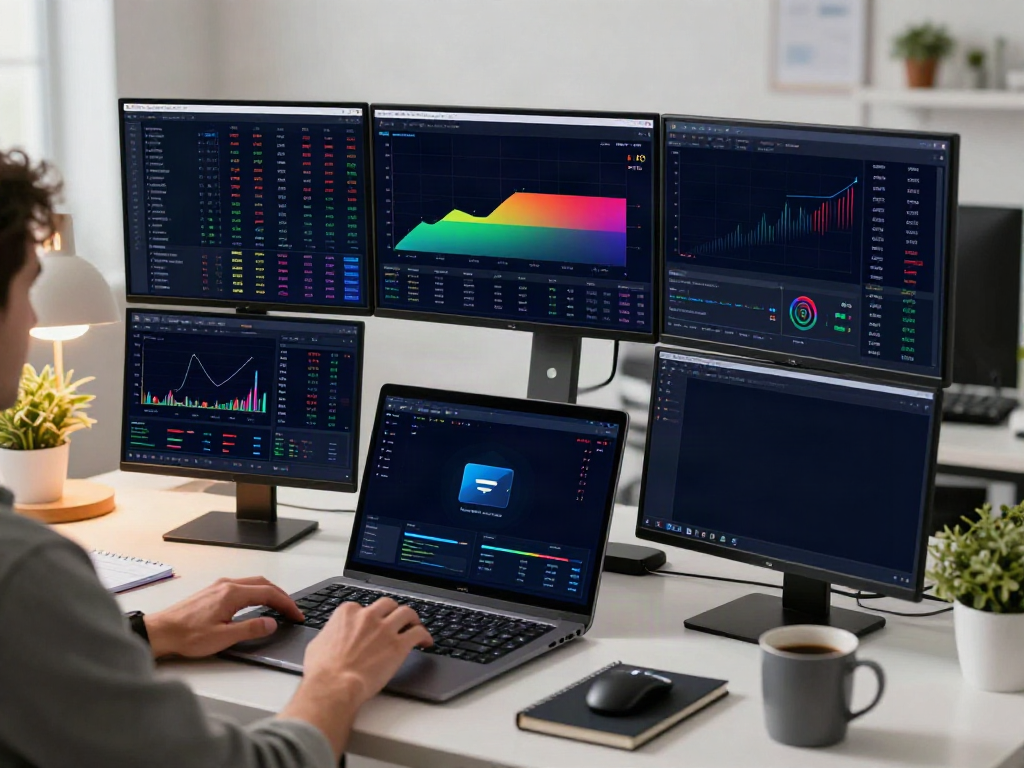
One of the significant advantages of using TradingView is its ability to reduce the time it takes to analyze various assets. Traders can construct a personalized workspace where they can view multiple charts and indicators simultaneously, allowing for a holistic understanding of market trends. Additionally, the ability to backtest trading strategies with historical data enhances decision-making, making it easier to implement effective trading tactics.
Setting Up Your Trading Workspace with TradingView
Creating an efficient trading workspace is crucial for maximizing productivity and maintaining focus. TradingView offers extensive customization options that allow traders to build a personalized layout that meets their specific needs.
Essential Equipment for Optimal Trading
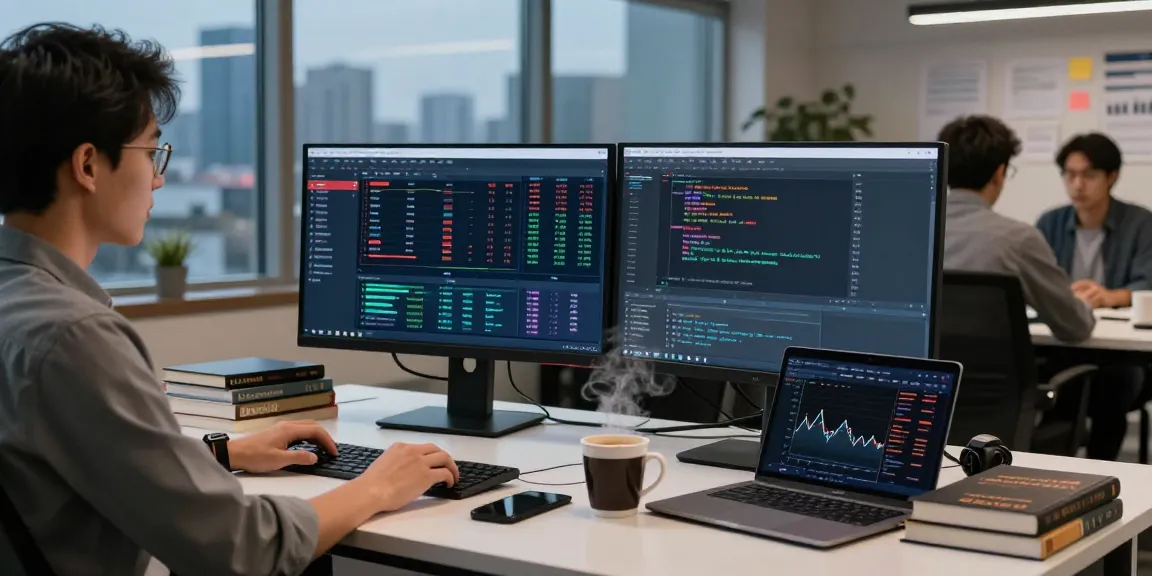
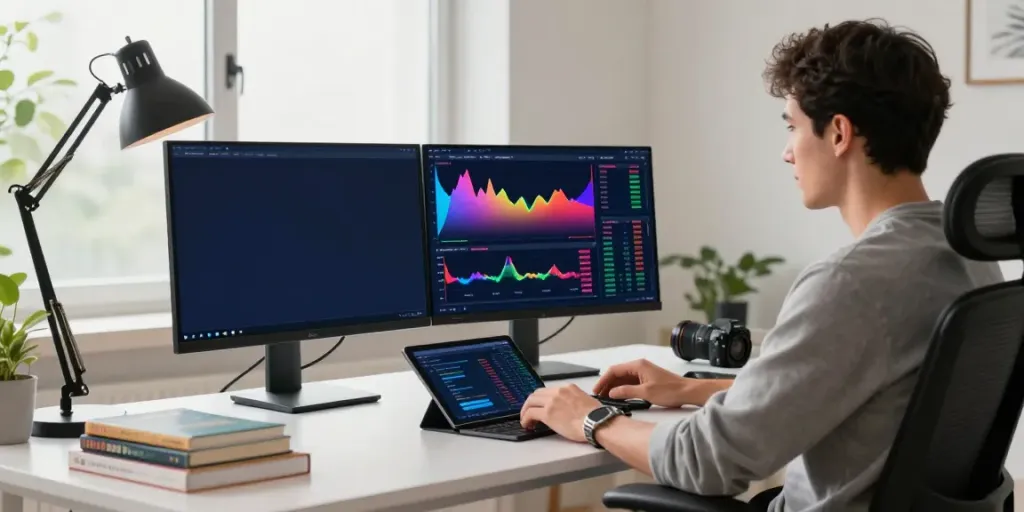
The first step in setting up your trading environment is ensuring you have the right equipment. A dual-screen setup is often recommended, as it allows you to monitor multiple charts and data feeds simultaneously. Additionally, using a high-resolution monitor can enhance your ability to analyze data accurately.
Customizing Your TradingView Interface
TradingView's interface is highly customizable. Users can adjust chart layouts, color schemes, and the types of indicators displayed. This personalization helps traders create a workspace that feels intuitive and reduces clutter, making it easier to focus on key market movements.
Integrating Third-Party Tools and Plugins
For traders looking to enhance their TradingView experience, integrating third-party tools can provide additional functionalities. Many plugins and tools support data import/export, automated trading systems, or advanced analytics, extending TradingView's capabilities beyond its native features.
Developing Effective Trading Strategies Using TradingView
To succeed in trading, one must adopt and refine strategies based on diligent research and analysis. TradingView provides all the necessary tools to develop, test, and implement effective trading strategies.
Using Pine Script for Custom Indicators
Pine Script is a powerful aspect of TradingView that allows users to code their indicators and strategies. This feature is invaluable for traders who want to customize their trading experience based on specific market conditions. By developing unique indicators, traders can gain insights that are tailored to their trading style.
Backtesting Strategies with TradingView’s Tester
Backtesting is a critical component of strategy development. TradingView offers a Strategy Tester that enables users to simulate trades based on historical data to evaluate the performance of their strategies. This process helps traders identify potential weaknesses and optimize their strategies before executing them in real-time markets.
Real-World Examples of Successful Traders
Many successful traders leverage TradingView to refine their strategies, sharing insights and techniques with the community. By studying these examples and the methodologies behind them, new traders can learn valuable lessons about risk management, technical analysis, and market timing.
Maximizing TradingView Alerts and Notifications
Effective trading is largely about timing, and TradingView's alerts and notifications are designed to keep traders informed about critical market movements without requiring constant monitoring of charts.
Setting Up Price and Indicator Alerts
Traders can set specific price alerts that notify them when an asset reaches a predetermined price point. Additionally, alerts can be established for technical indicator conditions, such as moving averages crossing, which aids in making timely trading decisions.
Optimizing Alerts for Day Trading
For day traders, having real-time alerts is crucial. By fine-tuning alerts to trigger under specific conditions, traders can respond quickly to market changes, ensuring they capitalize on short-term opportunities while managing risks effectively.
Using Alerts to Enhance Your Trading Discipline
Alerts are not only practical for tracking price changes but also serve as a discipline tool. By setting alerts that align with pre-defined trading strategies, traders can avoid emotional decisions and stick to their plans, which is essential for long-term success in trading.
The Future of TradingView: Predictions and Trends for 2026
As trading technology continues to evolve, so does TradingView. The platform is poised to expand and adapt to the changing needs of traders and the market landscape.
Emerging Features on the Horizon
There is a growing expectation for TradingView to introduce more advanced analytical features, including AI-driven insights and enhanced machine learning algorithms that can automatically adjust trading strategies based on market conditions. Such innovations would provide traders with deeper analytical capabilities, shaping the future of market analysis.
How TradingView is Adapting to Market Changes
TradingView consistently updates its platform based on user feedback and market trends. This adaptability ensures that the platform remains relevant and continues to meet the needs of modern traders, whether they are retail or institutional.
Expert Insights on TradingView’s Evolution
Industry experts recognize TradingView as a leader in the financial technology sector. The platform's commitment to improving user experience and expanding functionalities positions it favorably for ongoing growth. As more traders seek holistic and integrated tools, TradingView is well-equipped to meet these demands.